
Best PDF Tools on Android: Merge, Compress, Convert
Need better PDF workflows on Android? Learn how PDF apps handle reading, merging, compressing, and converting images fast.
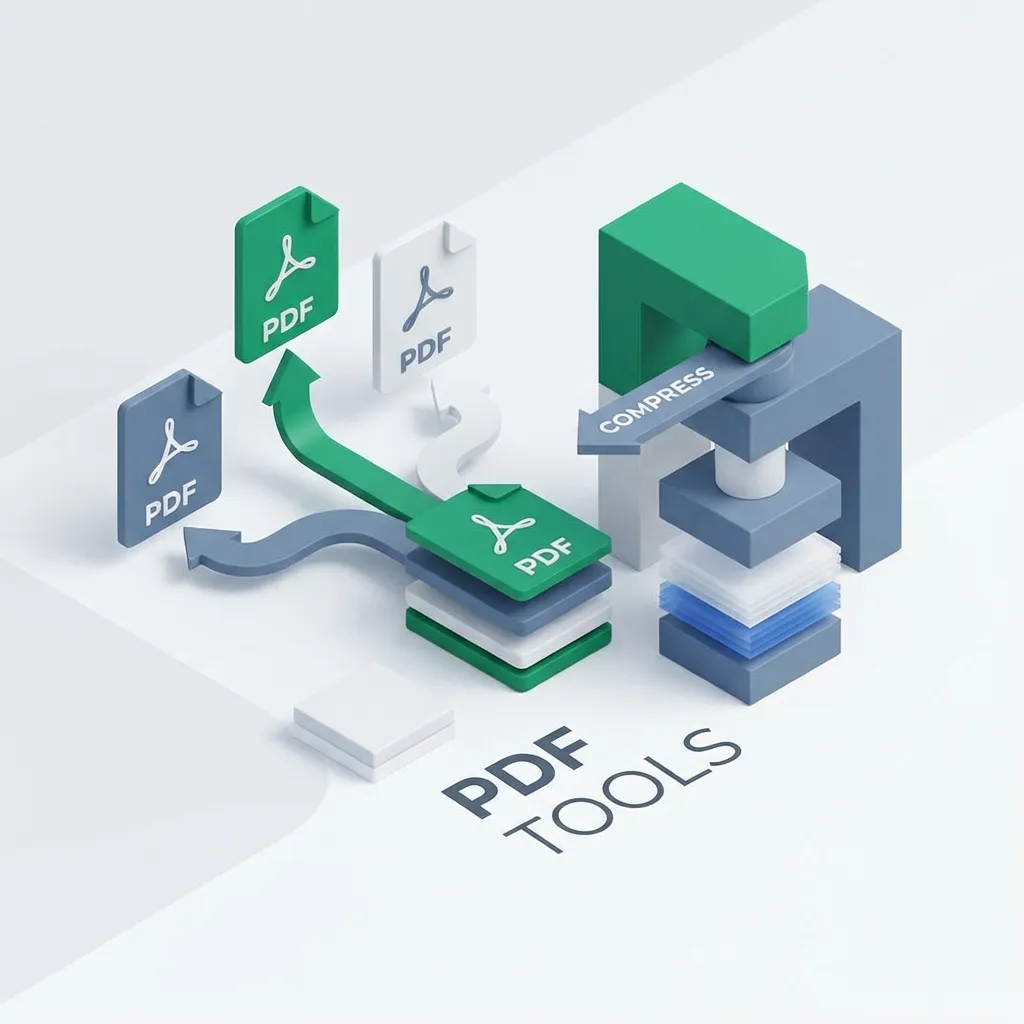
PDFs are the default format for:
- work documents
- school files
- contracts
- receipts
- scans
But on Android, many apps are either too slow, too bloated, or locked behind annoying paywalls.
Here’s what matters most in a modern PDF utility app — and how to get fast performance without sacrificing usability.
1. A fast PDF reader matters more than features
Users open PDFs to read instantly. The reader must:
- open large PDFs quickly
- scroll smoothly
- search text fast
- avoid memory spikes
“Performance-first” PDF apps win because the experience feels effortless. Check out PDFPilot for a fast reading experience.
2. Merge PDFs (a daily productivity feature)
Merging is one of the highest-used PDF actions:
- combine invoices
- merge chapters
- join scanned pages
The best UX:
- drag reorder pages/files
- quick preview
- export options
3. Compress PDFs without destroying quality
Compression should offer:
- quality presets (low/medium/high)
- predictable file size reduction
- no random artifacts on text
Many users compress PDFs because they need to:
- upload to email
- submit to portals
- share on messaging apps
4. Convert images to PDF (camera → document workflow)
A common workflow is: photos → PDF → share
A good app should support:
- multiple images into one PDF
- reorder
- crop
- export quickly
This pairs perfectly with document scanning apps too. See PaperVault for seamless scanning workflows.
FAQ
Can Android merge PDFs without a laptop? Yes. A good PDF tool can merge and compress directly on the phone without cloud upload.
Is PDF compression safe for private documents? Only if the app doesn’t upload files to servers. Offline-first tools are safer for sensitive content.
If you’re building Android productivity tools, PDF workflows are still massively in demand — and performance makes all the difference.