
Offline-First vs Cloud-First: Which Wins in 2026?
Compare offline-first and cloud-first Android app architecture in 2026, including UX, privacy, sync complexity, cost, and reliability tradeoffs.
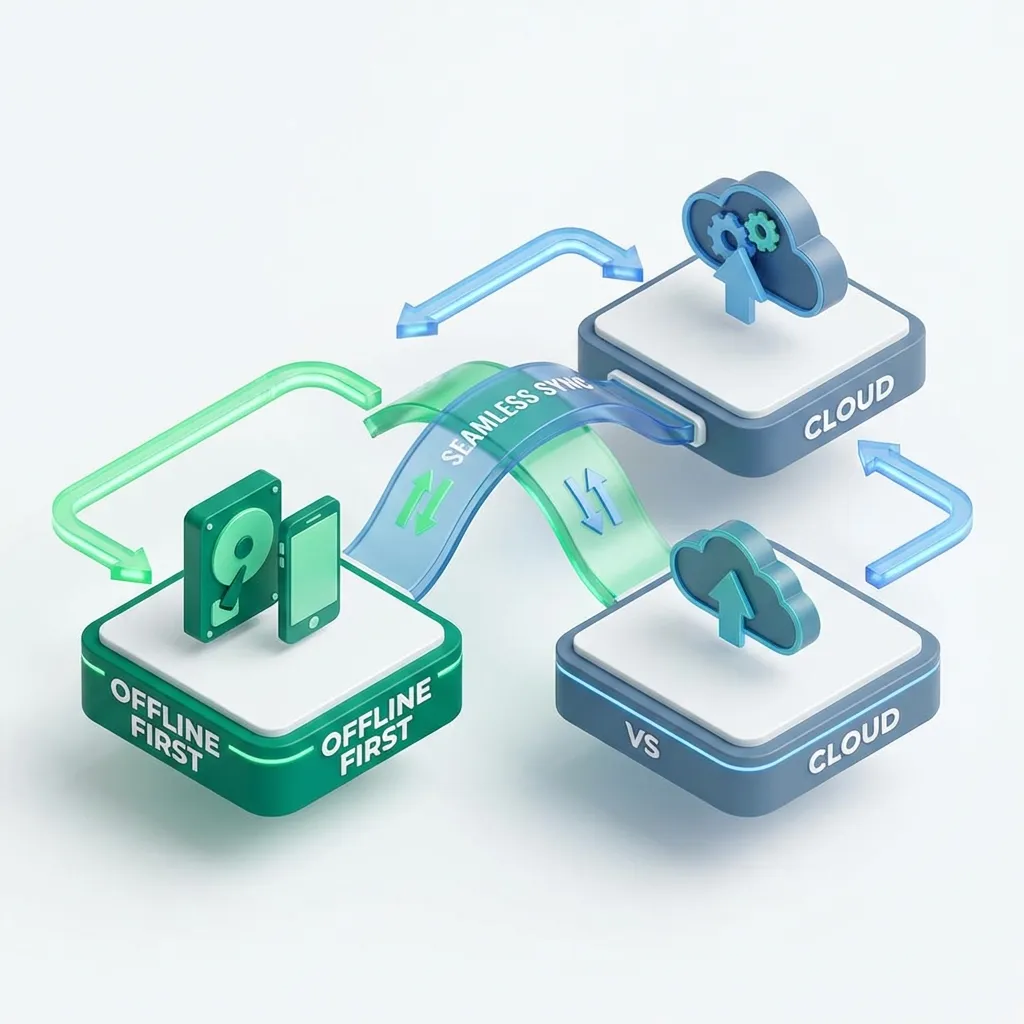
When building an Android app today, one of the biggest product and engineering decisions is choosing between offline-first and cloud-first architecture.
Offline-first apps store data on-device and treat cloud sync as optional. Cloud-first apps rely on server data as the main source of truth and often require an internet connection for core features.
Both approaches can succeed. The right choice depends on your app’s audience, data type, privacy expectations, and product goals.
This article compares offline-first and cloud-first in a practical way, helping you choose the architecture that fits your Android app in 2026.
What “offline-first” means
Offline-first means:
- the app works without an internet connection
- local storage is the source of truth
- the UI reads from local data
- sync happens later when possible
Offline-first apps feel fast because local reads are immediate. They also feel reliable because the user is not blocked by poor connectivity.
What “cloud-first” means
Cloud-first means:
- the server is the source of truth
- data is fetched from the network as the primary workflow
- local storage is often used as a cache
- the app may be limited without connectivity
Cloud-first apps simplify multi-device experiences and centralize business logic on the server, but they depend heavily on network reliability.
The biggest difference: user experience
From a user’s perspective, architecture becomes a UX decision.
Offline-first apps typically feel:
- instant
- consistent
- reliable in low-signal environments
Cloud-first apps often feel:
- dependent on loading states
- slower in weak networks
- fragile when the server or connection fails
If your users are mobile, offline-first often wins because real-world networks are unpredictable.
Speed: local reads vs network latency
Offline-first apps respond immediately because data is on-device. Even if sync takes time, the user can continue using the app.
Cloud-first apps must wait for the server unless they have a strong caching strategy. That delay is small on good connections but becomes painful when:
- signal is weak
- the user is roaming
- the server is slow
- the API is under load
Speed is one of the strongest arguments for offline-first.
Privacy and trust in 2026
Privacy expectations are higher than ever.
Offline-first apps can offer:
- minimal data sharing
- fewer server-side risks
- privacy-first design by default
Cloud-first apps require:
- storing user data remotely
- stronger compliance processes
- more trust from the user
If your app handles personal content such as documents, scans, files, notes, or private media, offline-first is often a better trust model.
Reliability: apps must work anywhere
Offline-first apps keep working in situations like:
- subway rides
- elevators
- rural travel
- unstable Wi-Fi
- international roaming
Cloud-first apps can struggle when:
- the user loses connection mid-flow
- requests fail repeatedly
- retry logic becomes complex
If your app is meant to be used on-the-go, offline-first is a strong advantage.
Multi-device sync: where cloud-first shines
Cloud-first apps are naturally strong at:
- using multiple devices
- continuing work on tablet/desktop
- real-time collaboration
- centralized user accounts
Offline-first can still support sync, but it requires solving:
- conflict resolution
- merging edits
- incremental updates
- background sync rules
If multi-device continuity is your core product value, cloud-first may be the better default.
Complexity: offline-first is harder to build well
Offline-first apps are excellent for users, but they introduce engineering complexity.
Common offline-first challenges:
- designing a sync engine
- dealing with conflicts
- handling partial sync states
- supporting background scheduling
- managing long-term local database growth
Cloud-first apps can be simpler early on because you can centralize logic in the backend.
Cost and infrastructure tradeoffs
Architecture has long-term cost consequences.
Offline-first apps can reduce backend costs because:
- users don’t constantly hit the server
- many actions are local
- sync can be optional or premium
Cloud-first apps typically require:
- stable backend infrastructure
- scaling strategies
- monitoring and uptime management
- ongoing server costs
If you want to minimize backend infrastructure cost, offline-first can be financially attractive.
Offline-first is ideal for utility and productivity apps
Offline-first is often best for apps like:
- document scanners
- PDF tools
- note apps
- password vaults
- QR scanners
- file organizers
These apps focus on fast local workflows, and users often expect them to work without accounts.
Cloud-first is ideal for shared and dynamic apps
Cloud-first is often best for apps like:
- social networks
- marketplaces
- messaging apps
- real-time collaboration tools
- content feeds that update constantly
These apps depend on constantly changing server data and require a cloud source of truth.
A common best option: hybrid architecture
Many successful apps use a hybrid approach:
- local-first UX
- cloud sync as enhancement
- server as backup, not a blocker
This often creates the best balance:
- fast and responsive UI
- works offline
- supports multi-device sync if users want it
Hybrid architecture usually delivers the best user experience, but it requires good design and strong sync strategy.
FAQ
Is offline-first better for Android apps in 2026? For many apps, yes—especially if users need speed, reliability, and privacy. But cloud-first is still best for real-time and multi-device products.
Does offline-first mean “no cloud”? No. Offline-first means local storage is primary and cloud is optional. Sync can still exist as a feature.
Which is cheaper long-term? Offline-first can reduce server load and costs, but it may increase engineering complexity. Cloud-first can be faster to build at first but can become expensive at scale.
Offline-first and cloud-first are not “right vs wrong.” They’re different strategies.
In 2026, the most user-friendly approach for many Android apps is hybrid: local-first experience with optional cloud sync.